
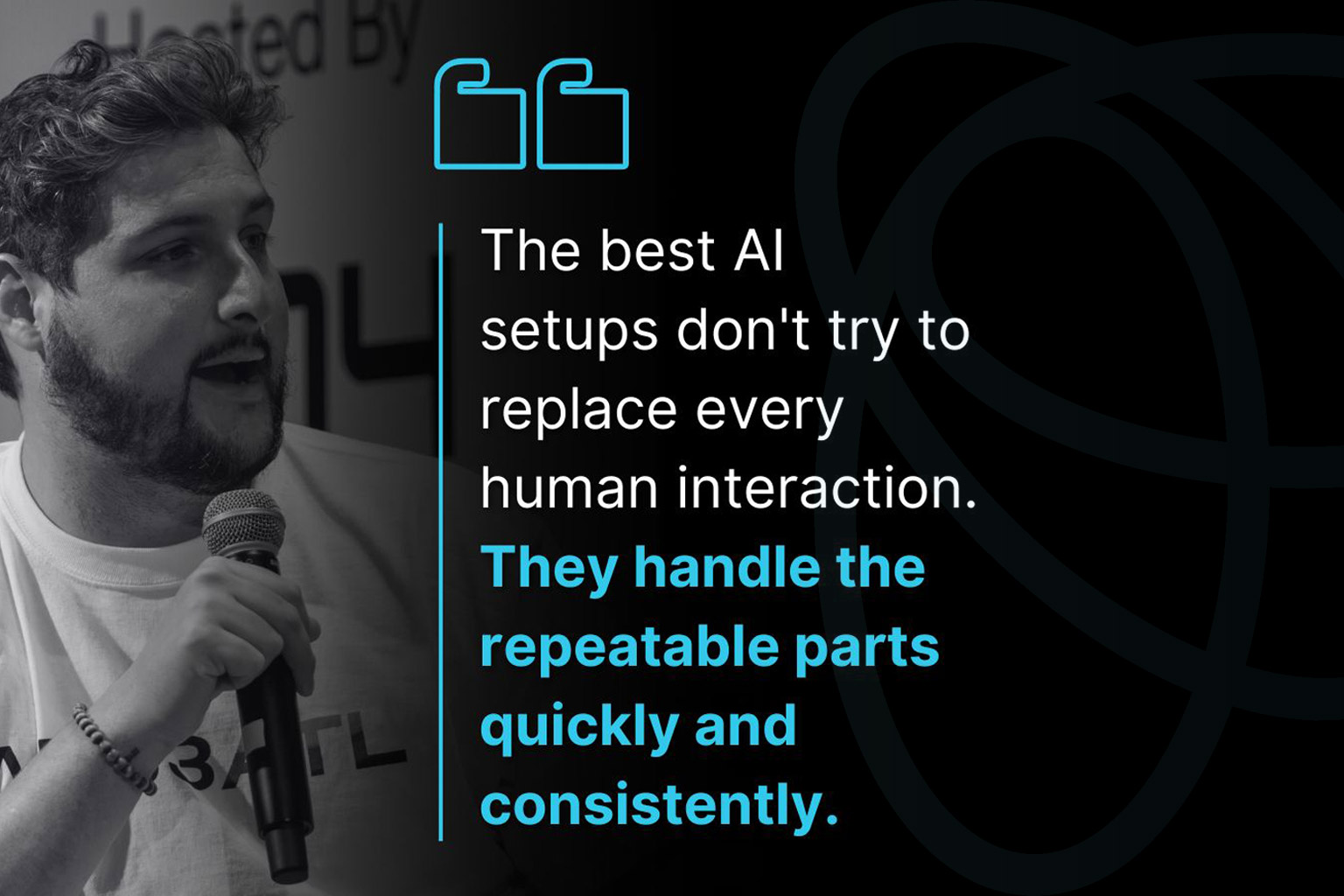
Stop Chasing “Everything” With AI: Do the Right Things (Consistently)
If AI feels like it is everywhere right now, you are not wrong. The mistake most companies make is reacting by trying to do AI for everything, all at once. New tools, new bots, new dashboards, new “agents.” Lots of motion, not a lot of results.
The win is simpler and way more profitable: use AI where the work repeats, the inputs are predictable, and the outcome is obvious. That is where AI automation for small business actually pays off.
Why “AI for everything” feels productive (and why it usually fails)
Chasing everything with AI often starts with good intentions. You want to modernize. You want to move faster. You want to stop drowning in admin work. The problem is the “everything” approach usually skips the hard part, which is choosing a workflow and defining what done looks like.
Reality check: This is also why so many agent-style initiatives stall. Gartner has warned that a big chunk of “agentic AI” projects will get canceled because costs rise and business value stays fuzzy, and Reuters covered it here: over 40% of agentic AI projects may be scrapped by 2027.
When you chase everything, you end up with AI touching too many areas, too many edge cases, and too many systems, without clean inputs or guardrails.
If this sounds familiar, it’s because most AI initiatives don’t die from “bad AI.” They die from unclear workflows, messy inputs, and nobody owning the outcome. If you want the short breakdown of what usually causes the stall, here it is: why most AI projects stall.
What you actually want (even if you are calling it “AI”)
Most businesses do not want more AI. They want fewer dropped balls and less chaos:
- Fewer missed calls and faster lead response
- Follow-ups that don’t slip
- Less back-and-forth scheduling
- Fewer customer “status check” interruptions
- Cleaner internal handoffs so work stops getting dropped
This is business process automation. AI is just the engine that makes it consistent.
And the pressure is real. According to Microsoft’s 2025 Work Trend Index, daily message volume is massive. That is why “we’ll just remember to follow up” breaks even with good people on your team.
Stop chasing everything: pick the first domino
If you want to stop spinning your wheels, don’t start with tools. Start with the one workflow that repeats and quietly drains time and revenue.
The 15-hour-per-week audit
This is the fastest way to find the first domino.
- Step 1: List the top 10 repeatable tasks your team does every week.
- Step 2: Circle the ones that follow a script, checklist, or pattern.
- Step 3: Mark where things break: intake, follow-up, scheduling, reporting, updates, handoffs.
- Step 4: Pick one workflow to fix first and ignore the rest for now.
If you do this honestly, you usually find 15+ hours per week leaking out of the same 1 or 2 workflows, not ten. Asana’s 2025 Anatomy of Work points out how much time gets eaten by “work about work,” which is exactly the type of repeatable coordination mess AI workflows can reduce.
Chasing “everything” vs doing the right things
Here is the simplest way to sanity-check your AI plan.
| Chasing “Everything” | Doing the Right Things |
|---|---|
| Starts with tools and features | Starts with one workflow that leaks time or revenue |
| No clear definition of done | Clear inputs, clear outputs, clear owner |
| AI touches too many areas | AI stays inside repeatable steps with guardrails |
| Hard to measure impact | Easy metrics: response time, show rate, cycle time, coverage |
| Everyone is “involved,” nobody owns it | One owner runs it like a role (an “AI employee”) |
Where AI wins fast: 6 workflows that usually pay off
These are the places AI for operations tends to deliver ROI quickly because the inputs can be structured and the outcome is easy to measure.
1) Lead intake and qualification
- Capture info the same way every time
- Instant summaries and routing to the right person
- Less missed calls and faster response times
This is where an AI voice assistant can be a game-changer. See how we handle intake and follow-up here: Voice Assist.
2) Follow-ups that don’t slip
- Auto-trigger follow-ups based on status
- Messages that sound human, but run consistently
- Clear next-step reminders for staff
This is AI for lead follow-up without relying on memory and sticky notes.
3) Scheduling, reminders, and no-show reduction
- Booking flows that remove back-and-forth
- Reminder sequences and reschedule links
- Simple confirm/cancel logic that saves time
4) Customer updates and status checks
- Proactive updates reduce inbound calls and stress
- Escalation rules for urgent cases
- Fewer interruptions from status pings
5) Reporting and weekly “what happened” recaps
- Auto-generated performance snapshots
- Less time pulling numbers from five tools
- Consistent metrics leadership can trust
6) Internal handoffs and task routing
- Work doesn’t get dropped when it changes hands
- AI creates tickets, assigns owners, and flags urgency
- Simple workflows beat complicated systems
Where AI fails (and how to avoid it)
- No clear definition of done: nobody agrees on what success looks like
- Bad inputs: messy forms, missing data, inconsistent notes
- No ownership: nobody runs the workflow like a real role
- No guardrails: AI touching things it shouldn’t touch
Data quality is a big one. Gartner has been blunt about this, predicting many AI efforts get abandoned when they are not supported by AI-ready data: Gartner’s 2025 AI-ready data warning.
The “AI employee” mindset: build one role at a time
Stop thinking in tools and start thinking in roles. One role, one workflow, one owner, one scorecard. That is how you get dependable results.
- Intake assistant: capture, qualify, summarize, route
- Follow-up coordinator: keep next steps moving
- Reporting assistant: weekly recaps leadership can trust
How ShooflyAI approaches it (without hype)
We don’t try to AI-ify your entire company. We pick the workflow that matters, build it into the tools you already use, launch fast, measure, and tune.
Solutions and Case Studies are the easiest places to see what that looks like in practice.
Quick before-and-after example
- Before: missed calls, voicemails pile up, slow follow-up, inconsistent intake notes.
- After: 24/7 answering, structured questions, instant summary, routed to the right person.
- Result: faster response, fewer lost leads, less admin time.
Missed calls are not a small issue. CallRail’s 2025 consumer survey found many consumers have abandoned a business after an unanswered call: CallRail missed calls research (2025).
Wrap-up: stop chasing everything, start with the repeatable work
AI doesn’t need to be everywhere. It needs to show up in the workflows that repeat and quietly cost you time and revenue. Start with one boring automation, prove it, then expand.


No comment