
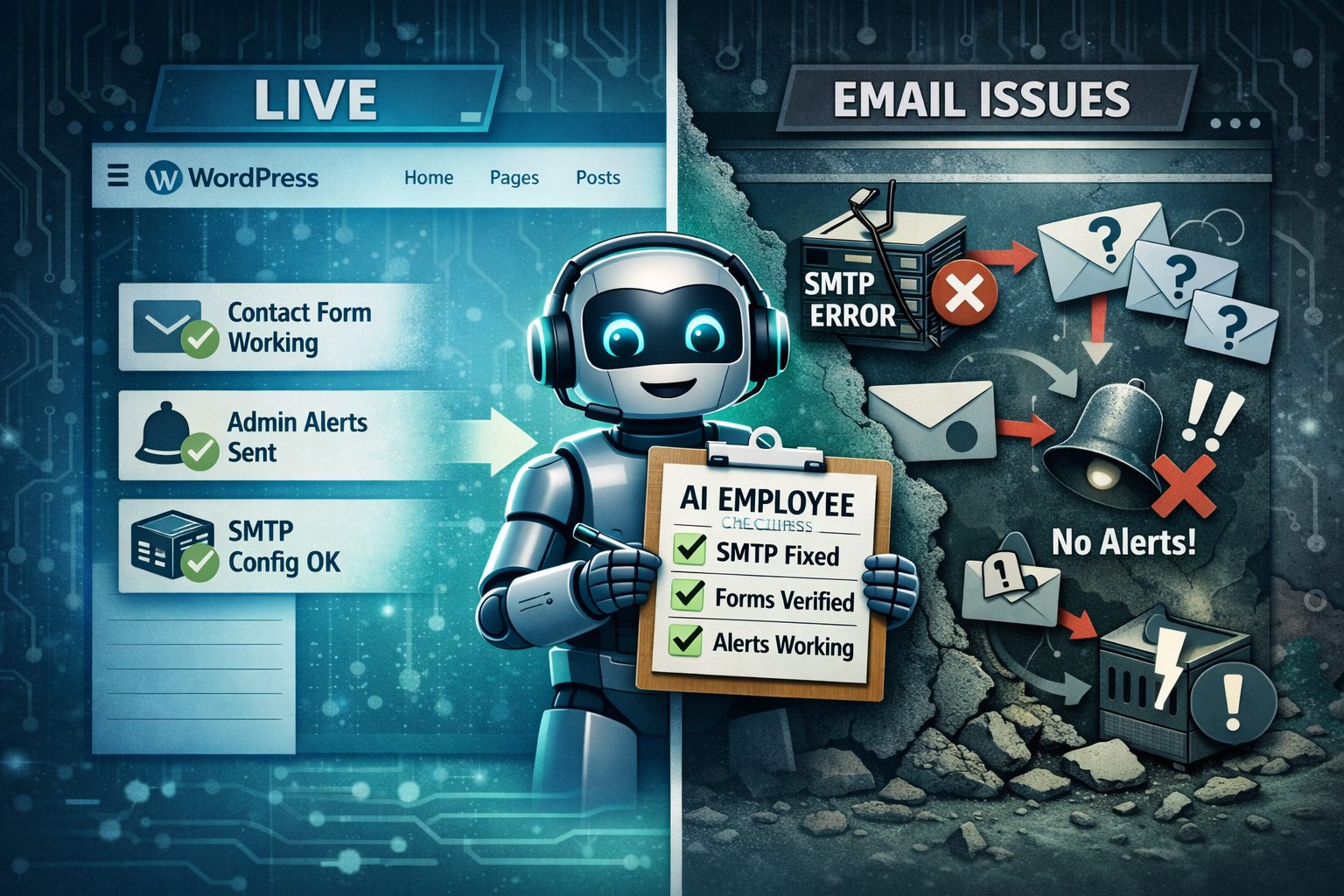
Case Study: Marketing Firm’s WordPress Migration Recovery
Problem: WordPress email stopped sending right after a hosting migration (contact forms + admin notifications)
Same-day recovery using ShooflyAI’s in-house AI Employee to diagnose, fix, and verify delivery.
Two sites migrated “fine,” but email silently died. Our AI Employee spotted the missing SMTP config, we fixed it with WP Mail SMTP, and tested every touchpoint end-to-end. Emails were flowing again the same day, and it sparked four more migration conversations.
The Problem: When Everything Works Except What Matters Most
The marketing firm completed what appeared to be a successful migration. Two WordPress sites moved to new hosting without a hitch. Pages loaded. Everything looked normal.
Then the reality hit: every email stopped working. Admin notifications vanished. Contact form submissions stopped coming in. The sites were live, but they were deaf and mute.
This is the nightmare scenario because it’s invisible. The site looks fine… while leads are leaking through cracks you can’t see.
Why this is so dangerous
WordPress can “send” an email without guaranteeing it was delivered. Even a successful wp_mail() call doesn’t mean the message reached an inbox. WordPress documents that behavior in the wp_mail() function reference.
The Diagnosis: SMTP Didn’t Transfer During the Migration
We found the cause in under 10 minutes: the migration didn’t transfer SMTP settings. Both sites were trying to send mail through localhost. That might work on one server and fail completely on the next depending on how the host handles mail.
This is a common WordPress migration failure. The front end looks perfect, but the back-end stuff that actually makes the site function (email, cron, integrations) breaks quietly.
How ShooflyAI Fixed It Fast Using an In-House AI Employee
We didn’t treat this like a “poke around for an hour” situation. We used our in-house AI Employee that’s built for WordPress troubleshooting and post-migration audits.
It’s not a chatbot. It’s a workflow runner. It follows the same diagnostic checklist every time, which is why we can move fast without skipping something obvious.
AI Employee troubleshooting flow
- Step 1: Confirm symptoms (forms, admin alerts, transactional paths)
- Step 2: Check sending method + common migration breakpoints (SMTP, host mail rules, DNS identity)
- Step 3: Narrow the root cause and recommend the exact fix
- Step 4: Verify delivery end-to-end (not “sent,” actually delivered)
Why this saves time (and money)
Most agencies lose money on “small” issues because they turn into time sinks. Email failures after a migration are a perfect example. The fix is usually straightforward, but without a checklist you get back-and-forth, half-fixes, and a lot of “try this next.”
The AI Employee compresses that into one clean run: identify the cause, apply the fix, then prove it’s working across every touchpoint.
The Fix: WP Mail SMTP Setup + Real Testing
Once we confirmed the root cause, the fix was simple. We restored reliable email sending by configuring SMTP properly on both sites using WP Mail SMTP.
What we did
- Installed WP Mail SMTP on both sites
- Configured the correct SMTP settings for the new hosting environment
- Tested every email touchpoint (contact forms, admin notifications, transactional messages)
- Verified delivery using WP Mail SMTP’s test email process (see how to send a test email)
Time to resolution: 30 minutes, same-day fix
The Result: Email Restored + Unexpected Pipeline
Client confirmation: “All emails working perfectly.”
And here’s the part that matters if you run an agency. Fast problem-solving builds trust. Trust turns into more work. After this recovery, four additional brands in this marketing firm’s portfolio raised their hand for migration support.
Outcome metrics
- ✅ 2 WordPress sites restored to full email functionality (same day)
- ✅ Prevented missed inquiries and revenue loss from broken forms
- ✅ 4 new migration opportunities identified
- ✅ Client confidence secured through speed + verification
Human vs AI Employee (for this kind of work)
This isn’t “humans vs software.” It’s humans plus an AI Employee doing the repeatable checks consistently, so your team can focus on the judgment calls and the client relationship.
| What matters | Human tech | AI Employee |
|---|---|---|
| Speed to diagnosis | Depends on availability and context | Runs the checklist immediately |
| Consistency | Varies by person and workload | Same playbook every time |
| Verification | May fix it but miss one touchpoint | Tests forms, admin alerts, and transactional paths by default |
| After-hours coverage | Limited unless someone is on-call | Always-on triage and audit workflows |
| Documentation | Often skipped when the day gets busy | Outputs a clean summary automatically |
| Escalation | Handles edge cases with judgment | Flags exceptions early and escalates with context |
| Cost efficiency | Best for complex judgment work | Best ROI on repeatable troubleshooting |
Why This Matters: Post-Migration Audits Catch Silent Failures
WordPress migrations break in invisible ways. Email delivery is one of the most common points of failure, and most teams don’t catch it until the client says, “We haven’t gotten a lead in days.”
Post-migration audits aren’t optional if the site is used for lead gen. WP Mail SMTP also explains why authenticated sending improves deliverability here: email deliverability overview.
Quick checklist for every WordPress migration
- Submit every contact form and confirm inbox delivery
- Trigger admin notifications (password reset, new user, form submission)
- Confirm SMTP settings and “from” identity are correct
- Check logs and verify delivery status (not just “sent”)
How Agencies Can Use AI Employees Like This
If you run a bunch of client sites, you already know the pattern. The same “small” issues show up over and over: migrations, email deliverability, plugin conflicts, speed cleanup, backups, security hardening, and maintenance tasks.
That’s exactly where AI Employees shine: repeatable workflows with a clear definition of done. They don’t replace your developers. They stop your developers from wasting half a day on predictable fire drills.
Want this for your agency?
If you’re doing migrations or managing a lot of WordPress sites, this kind of AI Employee is basically a force multiplier. We build these “digital employees” to run the checklists, catch silent failures, and hand a clean report to your team.
If you want to see how we approach automation and operations, take a look at our Solutions. If you want proof, Case Studies has more examples. And if you just want to talk through your maintenance stack and see where an AI Employee would save you time, start with the Free AI Audit.


No comment